Blog


How to Edit a Video for YouTube: From Rough Cut to Review
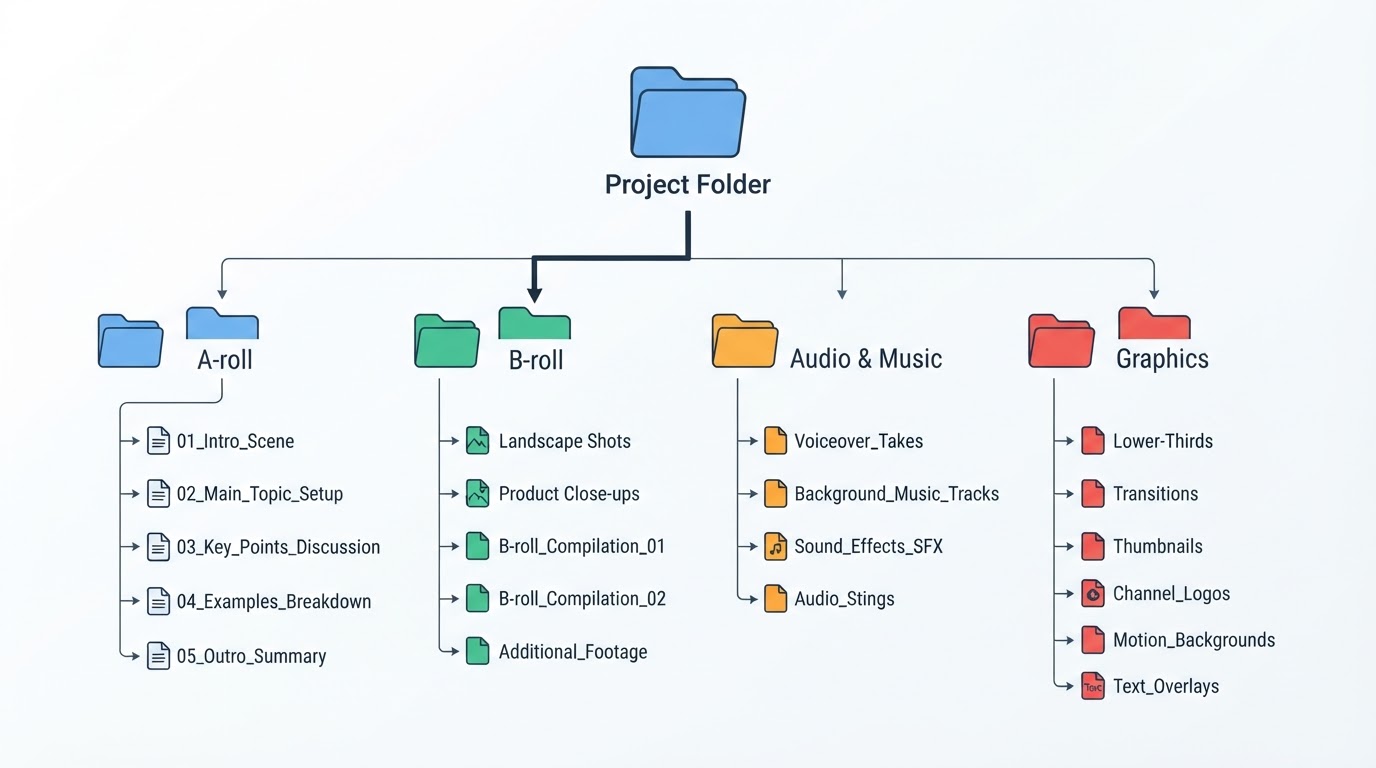
The fastest route through youtube how to edit video: lock the delivery spec, sort the footage, cut the A-roll, finish sound and captions, then watch the whole file before export.
Latest
View all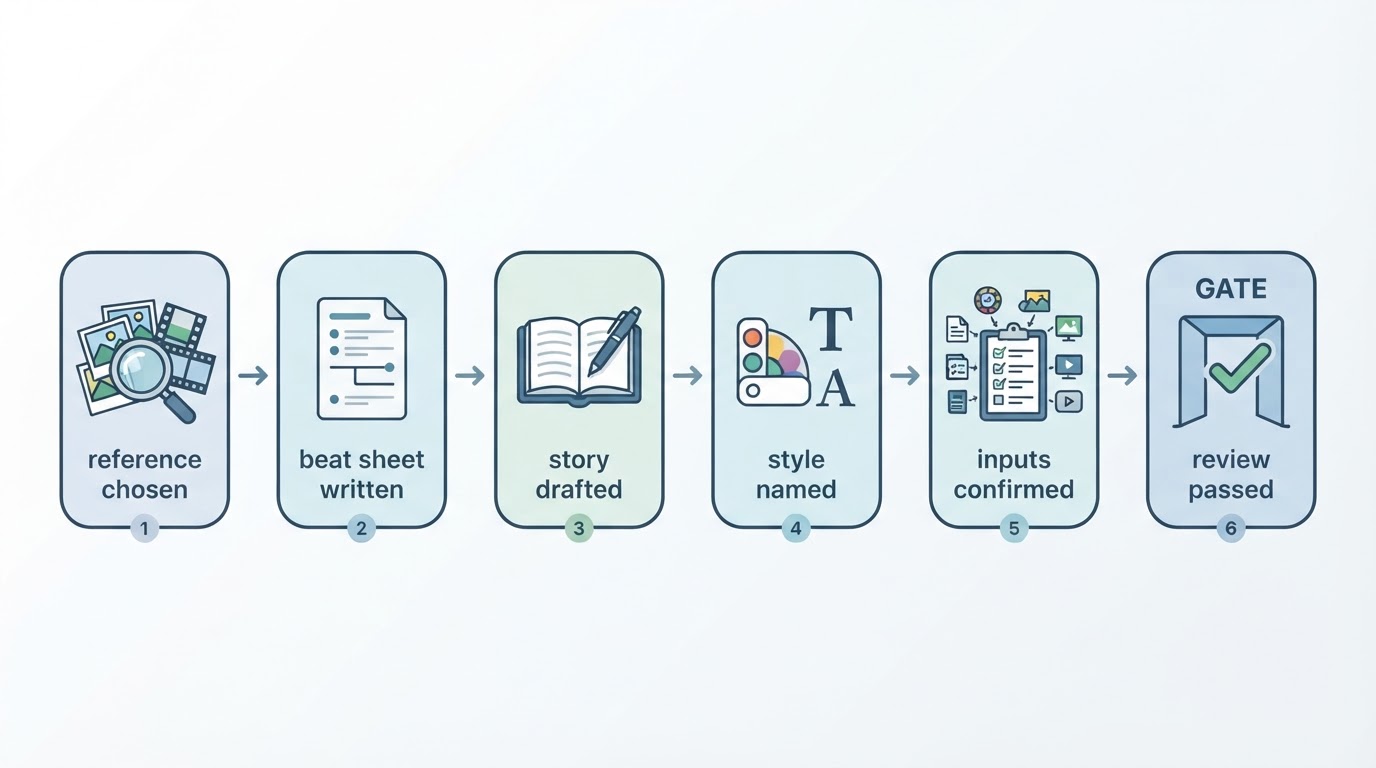
Faceless Video: Make One From a Reference, Step by Step
Faceless videos skip the camera entirely: you bring a reference, your own story and a visual style, then review the finished cut before anything is downloaded or published.
How to Use Meltica: From a Trending Video to Your Own Promo, Step by Step
The full Meltica workflow in one pass: find a reference in Ideas, describe the video, keep the Brand center accurate, review the render, and plan the next three days from the Content calendar.
Faceless YouTube Channel: A Repeatable Workflow From Idea to Upload
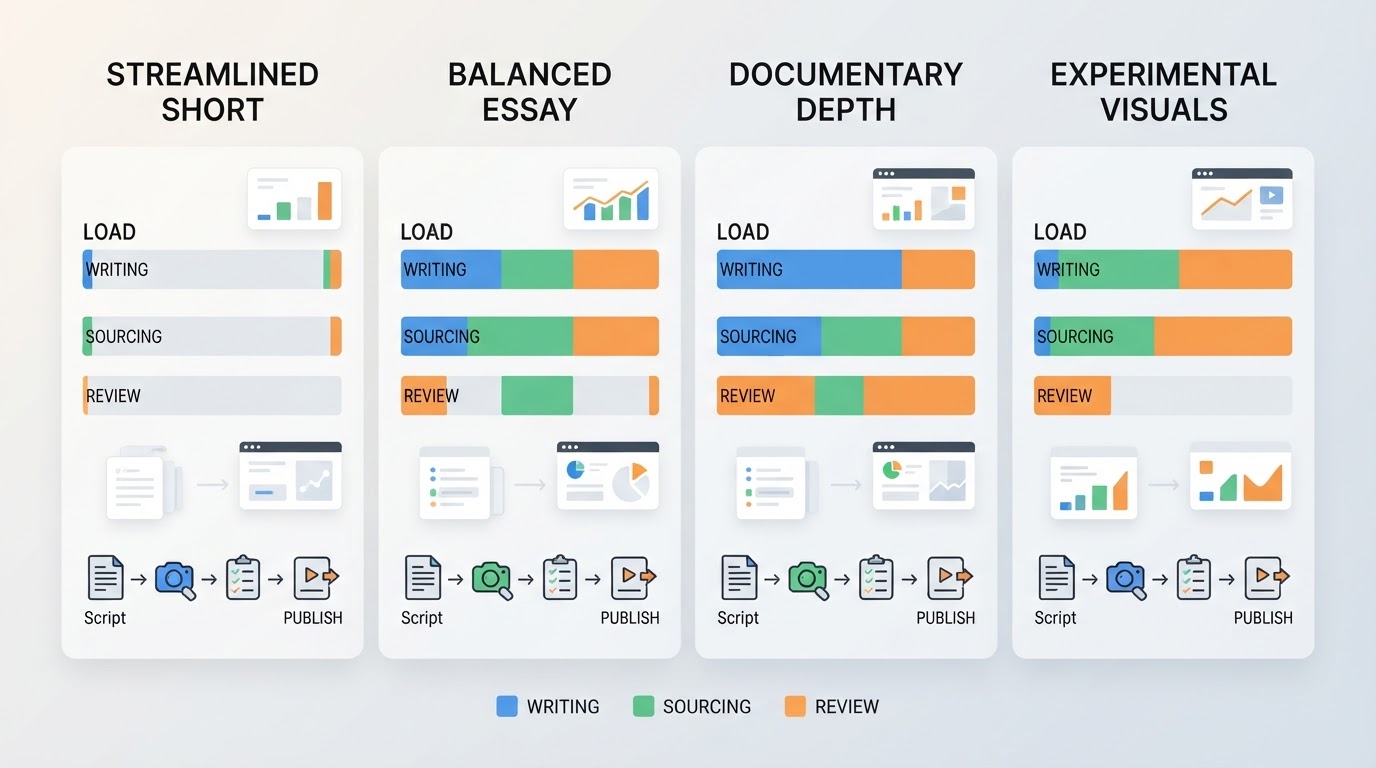
A faceless YouTube channel gets easier once the parts stop changing: one narrow promise, a script written first, a shot list you can actually fill, and the same review gate every week.
How Do I Upload a Video to YouTube? Desktop and Mobile Steps
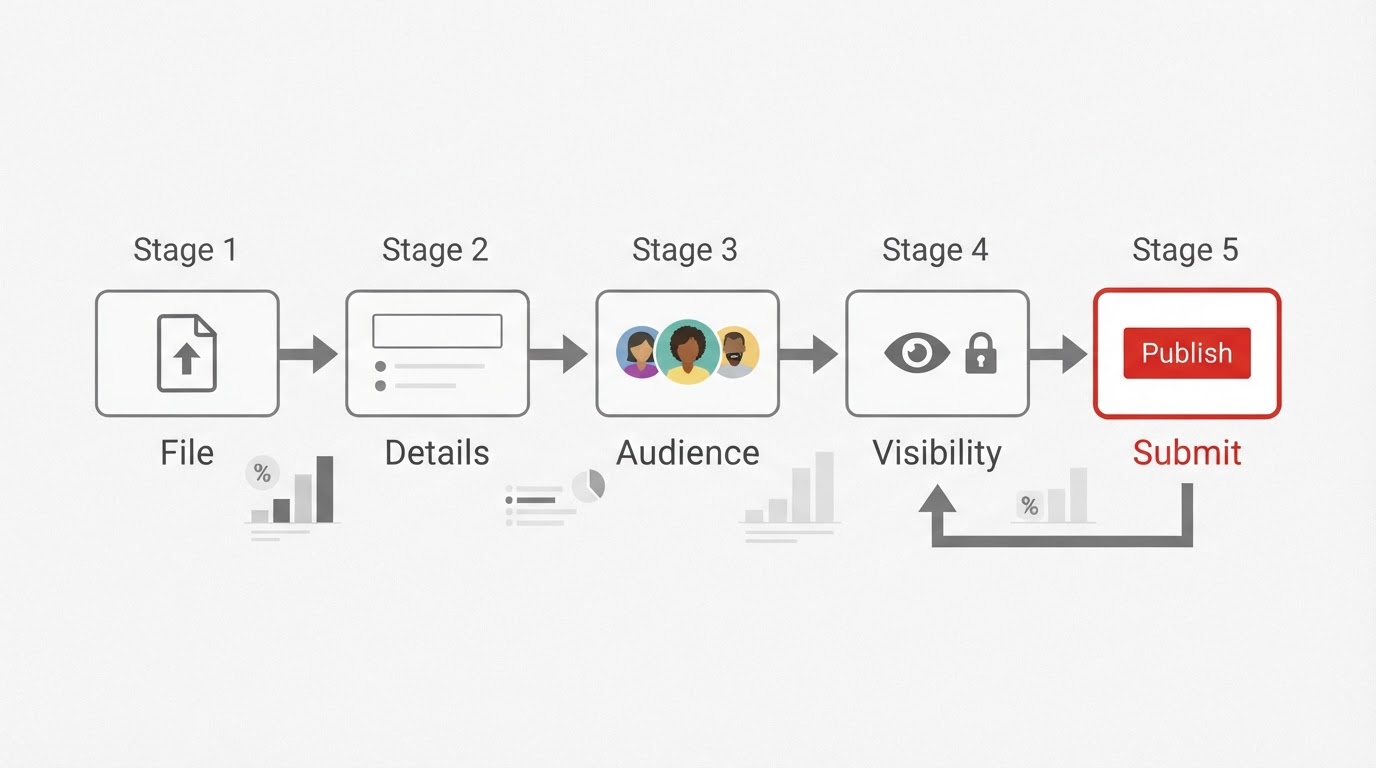
Uploading takes five decisions: file, details, audience, visibility, submit. Watching the finished video back before you publish is what keeps a public mistake from becoming permanent.
How to Build a Shot List for a 30-Second Video: Beats, Durations, Rows
A shot list is one row per shot: what the camera sees and how long it lasts. Build one from the beat order, weight the hook short, and mark the two rows that cannot move.
How to Fill In a Video Brief Template: Six Fields, One Page
A video brief fails when it is one sentence and a hope. Six fields, filled in order — audience, reference, story, style, shot order, checks — on one page, in about ten minutes.
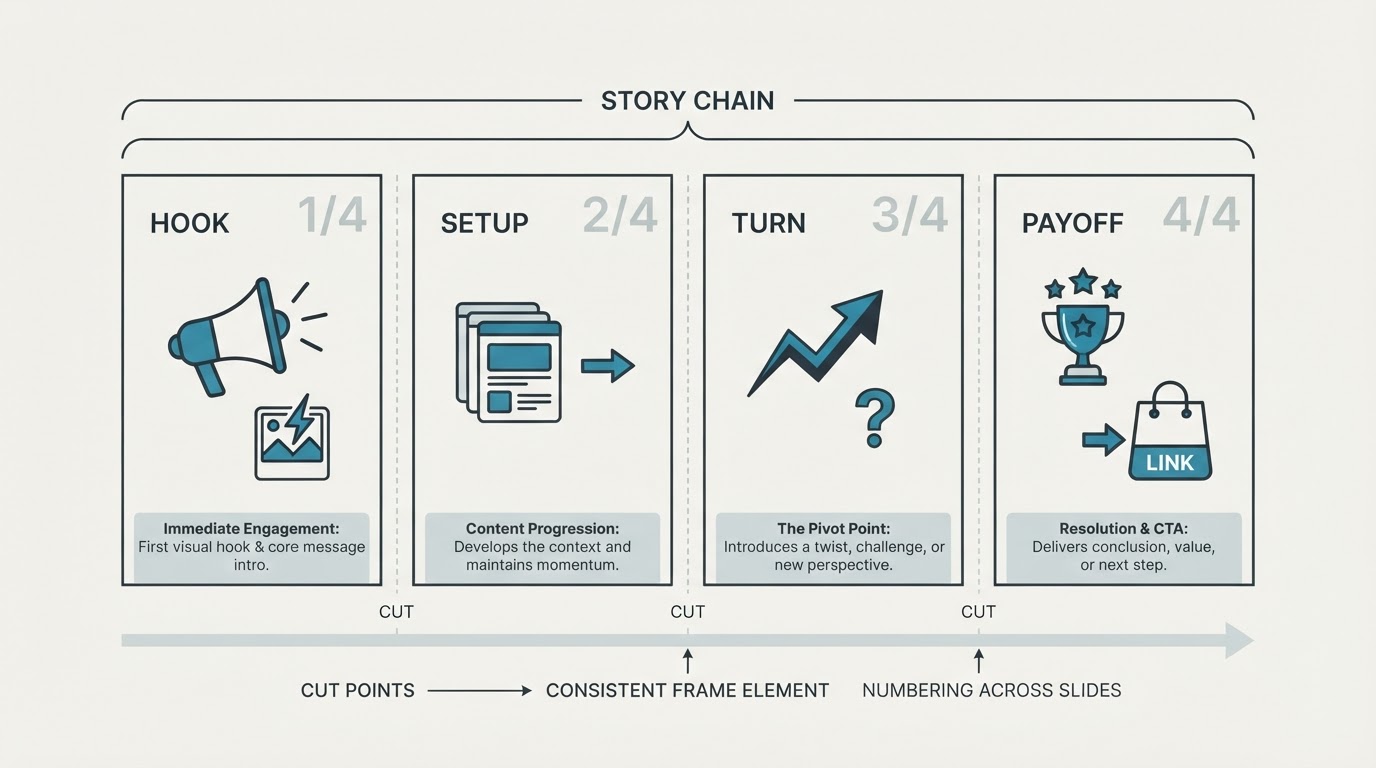
Longer Instagram Story: How to Post Past the One-Slide Limit
A longer Instagram Story needs deliberate segments that run back to back, or a Reel shared into Stories. Here is the limit to check first, then a beat-by-beat split and the publish order.
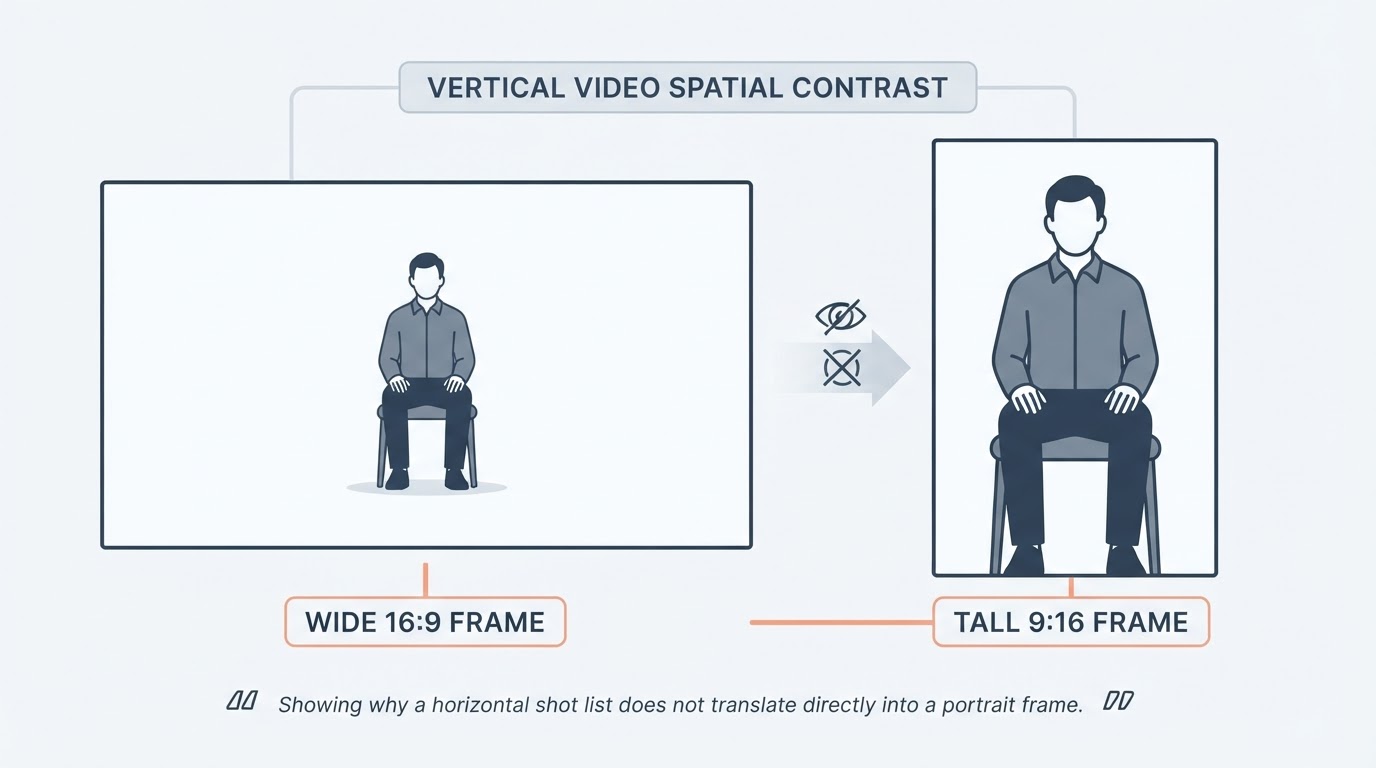
Vertical Video: What a Portrait Frame Is Good For and How to Frame It
Vertical video is a portrait frame that fills a phone screen held upright, and the ratio you pick changes how you plan shots, place a subject, and write on-screen text.
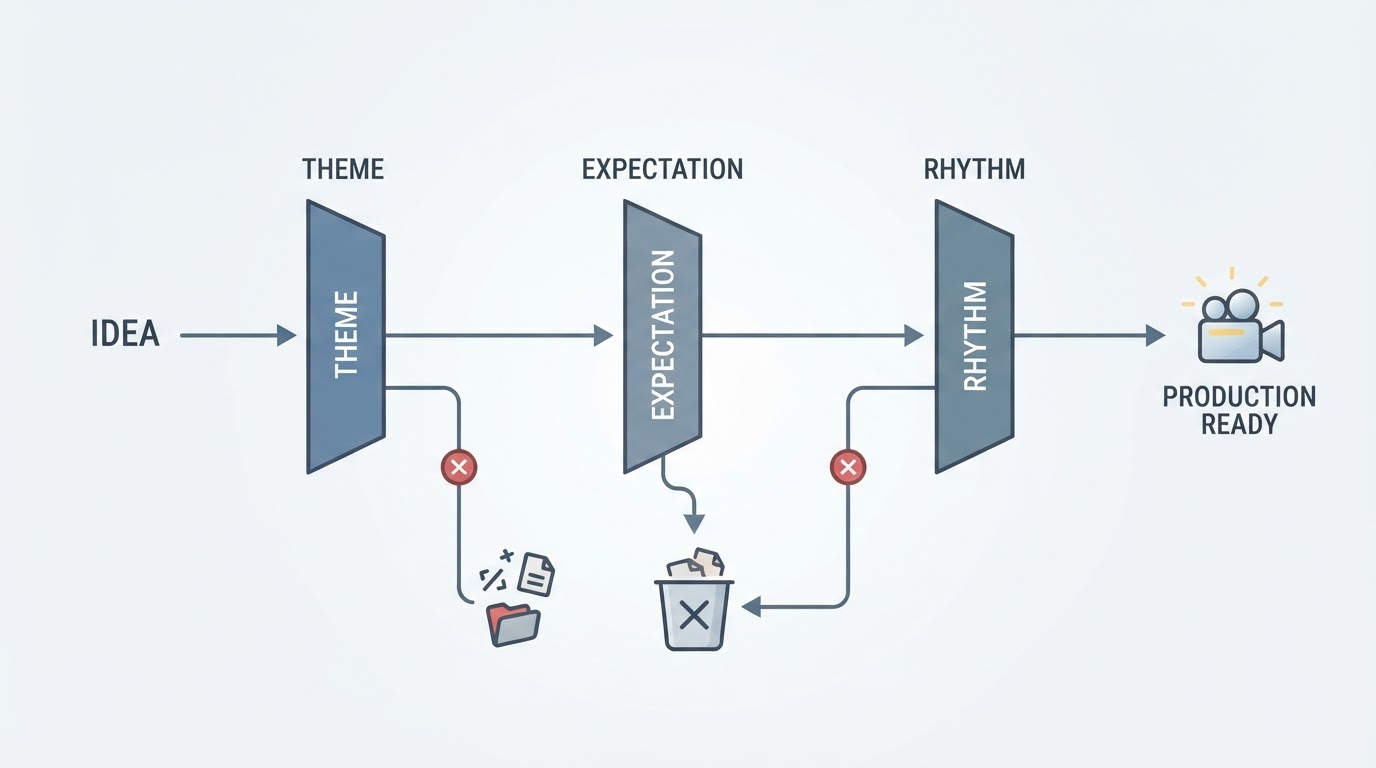
YouTube Video Ideas: How to Pick Ones Your Channel Can Keep Making
Finding youtube video ideas your channel can keep making is a filtering problem, not a brainstorming one: test each idea against your channel's promise, its series potential, and its production cost.