What a finished faceless video looks like
A faceless video is a video in which no person's face appears on camera. A product in motion, hands at work, a screen recording, b-roll or animation fills the frame, while narration or on-screen text carries the story — and a faceless channel is simply one whose owner never appears (DesignerBox).
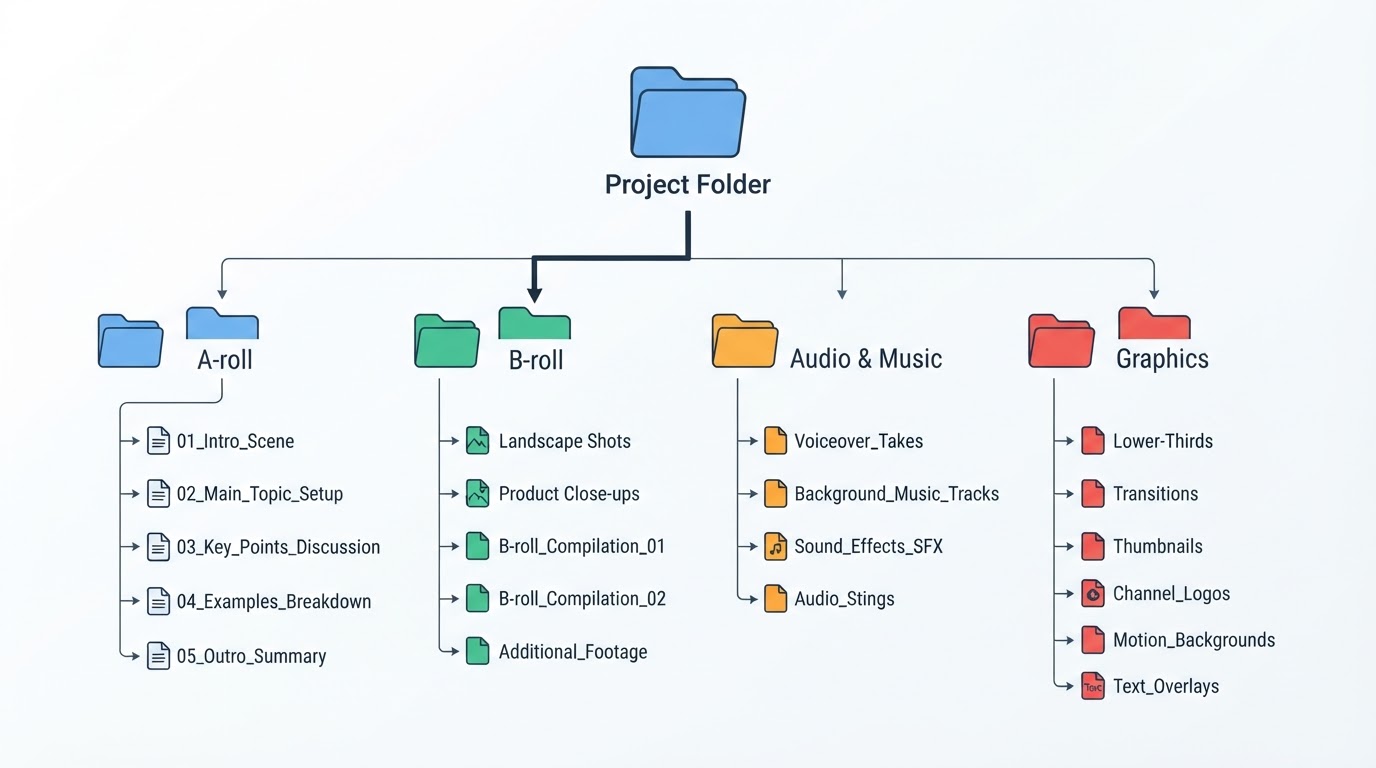
So before any tool is opened, be clear about what the viewer will actually see. The same source lists five workable formats — product in motion, hands and process, screen and text, voiceover over b-roll, and animated explainers — and each one asks for a different kind of raw material. A product-in-motion short needs the object. A screen-and-text short needs a screen worth recording. An animated explainer needs nothing but a story and a style.
Ten seconds of a finished faceless short reads like this: a hand opens a package, captions name the problem the buyer already has, three shots show the item in use, and a closing card states one instruction. No face, no studio, no presenter — and no ambiguity about what the viewer should do next.
What you need before you start
Three inputs decide whether the project can start at all:
- A reference video you actually have access to. It supplies the opening, shot order and pacing.
- Your own written story. Not a paraphrase of the reference's script, and not a bullet list of features.
- A visual style available to you. One direction you can name and repeat.
In Meltica, the reference-first workspace used as the working example in this guide, text alone or a still image is not an accepted input, and pasting an arbitrary video link is not supported. The three inputs are the product's own starting condition, not a best practice layered on top of it. If your plan depends on describing a video in chat and hoping it gets built, that plan is not faceless production — it is a different workflow with different expectations.
Step 1 — Pick a reference you can describe in one sentence
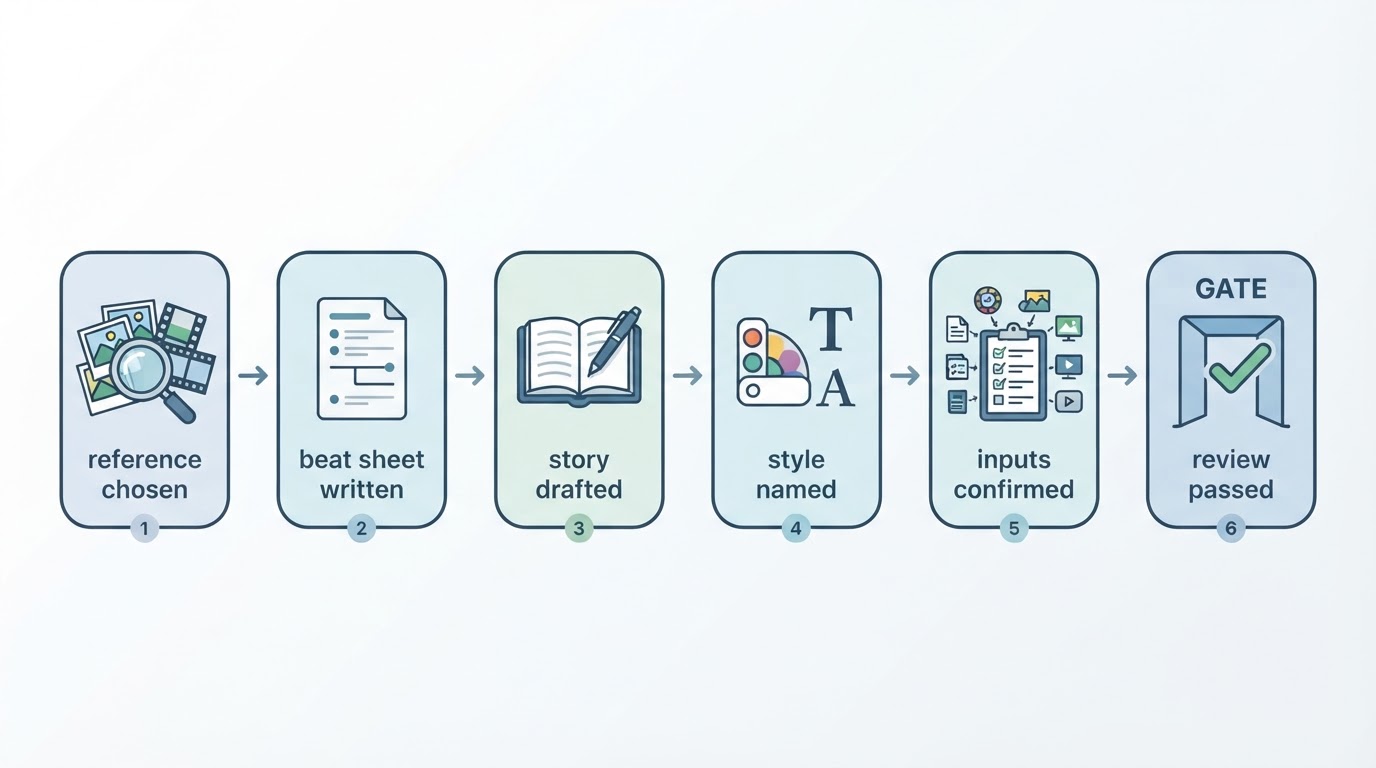
Open your reference library and choose a video you can summarize in one sentence: the opening image, one or two middle beats, and the ending.
Reject candidates that resist that sentence. A reference you cannot compress is usually two references in a trench coat, and the brief you write from it will drift. Meltica's public guide library frames the choice the same way: judge a reference on relevance and evidence before you invest in the brief, because the brief is only as good as what it was built from.
Done when you can say the shape out loud in one sentence and write down the timecode where it opens.
Step 2 — Record the opening, shot order and pacing
Build a beat sheet before you touch a generator. Four columns are enough: timecode, shot description, what changes on screen, and what the viewer learns.
One rule keeps the sheet useful: match each line of the story to one shot, so no shot carries two ideas and no idea is left without a shot. That is the standard production chain — topic, script, visuals, voice, captions, edit — compressed into something you can hold on one page (DesignerBox).
Done when every beat has a timecode range and a one-line purpose, and the total matches the length you are targeting.
Step 3 — Write your own story, not a copy
Draft the version you would publish if the reference disappeared tomorrow. Keep the structural lesson — hook, escalation, payoff — and replace everything else.
Two guards matter more than style here. First, rights: Meltica's guide library states it plainly — finding a reference grants no reuse rights to its footage, music or likenesses, and a popular reference is not permission to copy it. Second, craft: if your draft only works when the viewer has already seen the original, it is an echo, not a story.
Reference element | Your replacement |
|---|---|
Opening image | Your own object, screen or scene |
Shot order | Same rhythm, your beats |
Music and sound | Licensed or original audio |
Recognisable people | Cut, or replace entirely |
Done when no shot in your draft depends on the reference's footage, music or identifiable people.
Step 4 — Choose a visual style that fits the material
Pick one direction, then write down why it fits — a clay-like treatment suits a handmade product and fights a sleek hardware demo. Reduce the choice to a single repeatable rule so the next episode does not restart the decision.
Series consistency does not come from luck. It comes from fixed rules for the opening, type, colour, voice and frame, with only the topic changing from episode to episode (DesignerBox).
Done when you can name the style, justify it in one sentence, and describe the rule that will keep episode five looking like episode one.
Step 5 — Confirm the inputs and the cost before you submit
Read your own submission back as a stranger would: the attached reference, the story instructions, the style, the account access that will actually be used, and the credits the run will consume. In the workspace used as this guide's example, that review of request, inputs and cost is a required step before a run starts, and a follow-up change request is a new submission rather than an edit of the finished file.
Done when you can state the reference, the story version, the style and the credit cost in four lines — and you have checked the existing task list so you are not paying twice for the same idea.
Step 6 — Follow the run, then review the whole video
Generation runs as a background task in Projects, so you can close the page and come back; for a short of this kind the workspace describes roughly ten to thirty minutes depending on length and shot count. If a run looks unclear or stalled, open its status and task ID instead of submitting again — a second submission is a second cost, not a faster result.
Then watch the finished video end to end: once for the story, once for captions and sound, and once for details you never asked for. Fix shot-level problems with a change request, and regenerate from scratch only when the concept itself is wrong.
Done when the cut passes all three viewings and every change request has a reason attached.
Common mistakes and how to catch them
The reference was never usable. The video is a compilation, a montage or a trend clip with no stable shot order, so the brief becomes a guessing game. Catch it in Step 1 by refusing anything you cannot describe in a sentence.
The style fights the material. A painterly look over product close-ups, or a gritty handheld look over a clean interface, makes a perfectly good story read as a mistake. Catch it in Step 4 by naming the fit before you commit.
The same request is submitted twice. A run that looks stuck usually has a status page; a second submission usually has a second cost. Catch it by opening the task list first: a run that looks stuck almost always has a status worth reading before another submission is worth paying for.
Consistency is assumed rather than planned. Reference-based generation does not guarantee shot-for-shot reproduction, matching characters or matching voices, so a script that depends on an identical character in every episode is fragile. Catch it by writing episodes that still work with an approximate look.
Rights are treated as an afterthought. A reference's footage, music and faces are not yours because you watched it. Catch it in Step 3, before the story is written around material you cannot use.
Pre-submit and pre-download checklist
Before submitting:
- One reference, describable in a single sentence, with timecodes recorded.
- A beat sheet where every line of story maps to one shot.
- An original story that survives without the reference's footage, music or people.
- One named visual style, plus a rule for keeping the series consistent.
- Reference, instructions, style and credit cost read back and confirmed.
- Task list checked, so this is not a duplicate of a run already in progress.
Before downloading:
- The story holds from the first second without explanation.
- Captions are correct, complete and in the right language.
- Sound is intentional: no clipped narration, no music that buries the words.
- Nothing unintended is on screen — stray text, wrong product, a detail you never asked for.
- Change requests are specific to shots, not to the whole video.
FAQ
Do platforms penalise faceless videos?
Not for being faceless. According to a third-party guide summarising platform rules, the rules target undisclosed realistic AI content and repetitive, mass-produced video rather than the absence of a presenter (DesignerBox). Re-check the current help pages before publishing, since labelling policies are revised periodically.
Do I have to disclose that AI made the video?
On YouTube, disclosure is required for realistic altered or synthetic content — a real person appearing to say something they did not, altered footage of real events, a realistic scene that did not occur, or AI music as the main focus — and it is set through the AI use option during upload. Clearly unrealistic or animated content, minor aesthetic edits, captions and script assistance generally do not require it (YouTube Help).
Can I keep the same character and voice across episodes?
Do not plan around it. The workspace used as this guide's example states that reference recreation does not guarantee shot-for-shot reproduction, matching characters or matching voices. A saved style is a starting direction, not a promise about the next episode. Design episodes that survive an approximate look, and budget review time for each one.
How long does a faceless short take to produce?
Most of the work sits in the reference, the story and the review, not the render. Generation runs in the background and, per the workspace's own documentation, typically takes tens of minutes depending on length and shot count — which is why the review gate comes before any download.
Keep the shape, replace the surface
A faceless video that works is not simply a video without a person in it. The reference supplies structure, your story supplies the reason to watch, and the review supplies the quality. Get those three in order and the missing presenter stops being a limitation.