Give the story one clear goal
Before opening the creation workflow, write one sentence describing what the viewer should understand by the end. A focused goal makes it easier to choose the reference, explain your changes and judge the finished video. Avoid asking one short video to introduce a character, explain a product and resolve several unrelated plots.
Describe a beginning, a change and an ending
Try this original-story example: a night librarian finds a key that opens a different room each evening. The opening shows the unexpected key; the middle shows one door behaving strangely; the ending reveals a room full of unread letters. This is a planning example, not evidence of a generated result.
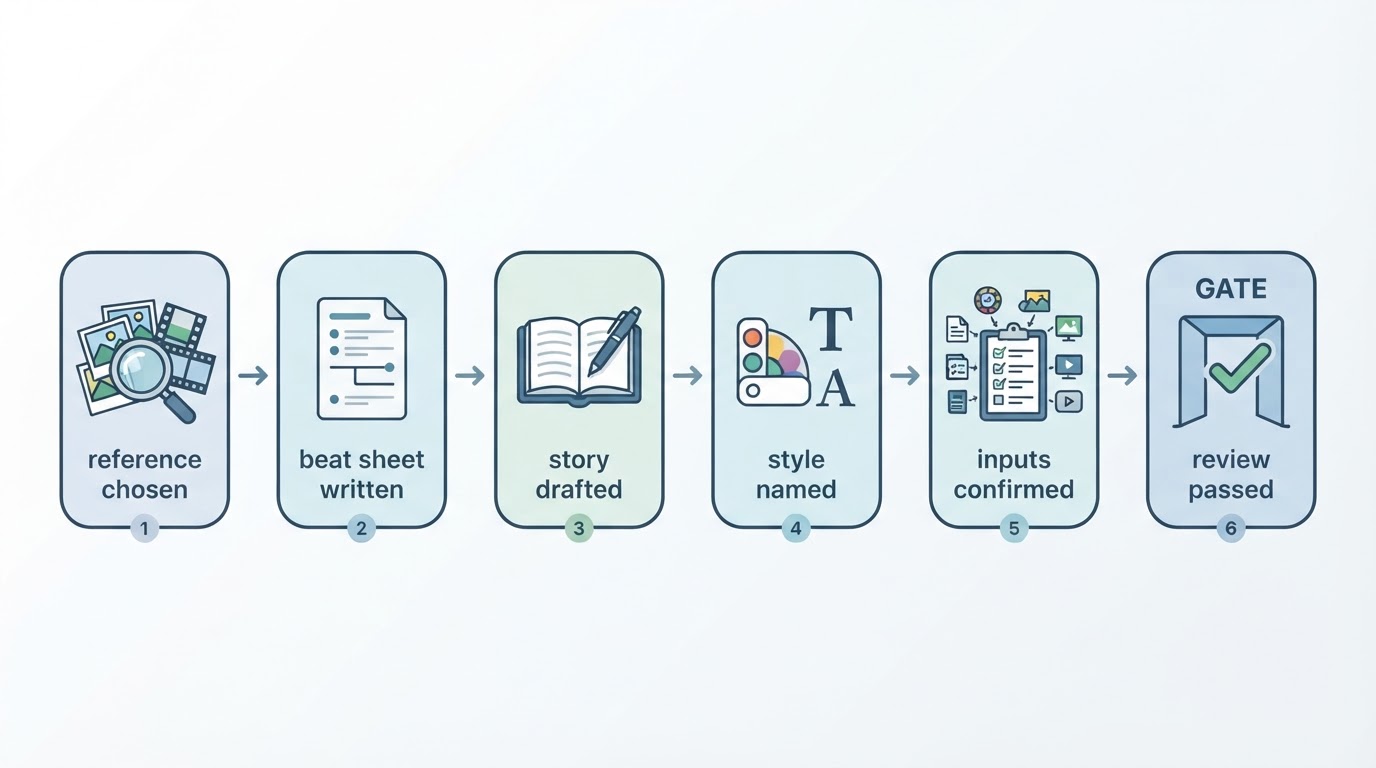
Explain which aspect of the reference is useful, such as a gradual reveal or the timing of a reaction. Then name your original setting and the events that should replace the reference story. Specific changes give the request a direction without treating another creator’s script as your own.
Keep expectations testable
Choose an available visual style and describe a few details that matter to the story. After generation, check whether those details appear and whether the ending is understandable. Do not assume that selecting the same style will preserve exact characters, voices or shot order across multiple videos.
Personal creation in Meltica needs a video reference; a text brief alone or a still image alone is insufficient. Generating marketing videos from uploaded product images or product footage is not currently offered. You can still organize verified product facts and plan a storyboard offline.
Check the request before submitting
Confirm that you can use every input, check the reference and settings, and review any displayed cost. Account access, credits and service availability are required. Keep the brief somewhere you can compare it with the full result, then review captions, story logic and visual details before downloading or publishing.
A useful brief is a decision aid, not a performance guarantee. Public views and likes on a reference do not establish sales or predict the results of your own video.