Start with one local question: what would help a nearby customer choose your café? A drink being made, a clear route to the entrance or a useful menu answer can each give a short video a purpose. The four plans below are original editorial examples, not customer case studies or a promise of extra sales. Choose one you can film accurately before planning a full calendar.
Introduce one drink, with real details
Goal: help a nearby customer decide what to order. Open on the finished drink, show two preparation steps, then show its name and how to order. Prepare your own drink footage, current menu wording and any actual price or availability conditions. Keep text legible and verify ingredients rather than inventing health or dietary claims. Finish with one useful action, such as checking today’s menu. This is a filming plan, not evidence that AI can reproduce your exact product.
A sample shot list
- Opening: a close-up of the finished seasonal drink.
- Middle: two genuine preparation details, such as the espresso being poured and the milk being added.
- Ending: the drink beside its verified menu name. Add a location or menu destination only if it is correct.
Show the routine before opening
Goal: make the people and place easier to recognize. Open on the closed counter, show one genuine preparation task, and finish with the ready-to-open space. Film in a quiet period with staff permission; keep customers, private order details and personal information out of frame. A short, coherent sequence is more useful than a montage of unrelated clips. Confirm that the opening time and location shown are current. Do not fabricate a busy shop, customer endorsement or staff activity.
A sample shot list
- Opening: the counter before service.
- Middle: a staff member completes one real preparation task.
- Ending: the same counter ready for the first order. Keep the sequence truthful rather than staging customer activity.
Answer one question and make the visit clear
Goal: remove one real uncertainty. Choose a question customers actually ask, such as where the entrance is or whether a particular seating area is available. Show the answer directly: street landmark → entrance → the relevant space or menu detail. Check address, access information and conditions with the shop. If mentioning an offer, display its real dates and restrictions. Avoid promises about facilities, allergens or availability that the footage cannot establish. Use your own recordings for factual demonstrations.
A sample shot list
- Opening: show the street landmark customers can recognize.
- Middle: walk the actual route to the entrance.
- Ending: show the door and the shop name. Check that the route remains valid and safe.
Test a small rotation and review the evidence
Plan a fourth video as a simple question-and-answer about one menu choice, using verified information. Rotate these four topics only when each has a purpose; there is no universal posting frequency. Keep a sheet with the objective, footage, brief, publication date, channel and one metric relevant to that objective. Compare observations over the same time window. Views or likes are not shop visits or sales: record independently attributable enquiries or redemptions separately, and leave unknown values blank. Review content and permissions before publishing each video.
A sample shot list
- Opening: ask one genuine menu question, such as which listed drinks can be ordered iced.
- Middle: show the relevant current menu detail or a staff explanation.
- Ending: invite viewers to check today’s menu; do not make unsupported dietary or availability claims.
An example filming brief
Filming plan only: introduce the café’s actual seasonal iced drink. Start with the finished glass, show the real preparation and finish with its verified menu name. Use footage recorded with the shop’s permission. Confirm ingredients, current availability and any price before adding text. End with “Check today’s menu” only if there is a working destination. This brief is not a product-material generation request, a customer case or a promise of sales.
Keep a simple content review sheet
- Purpose: one audience, one question and one action.
- Inputs: the real footage, approved wording and permission needed.
- Publication: the channel, date, destination link and offer conditions, if any.
- Observation: the chosen metric and the time window; keep enquiries or redemptions separate from views.
- Next decision: keep, revise or stop the format, with a brief reason based on your own observations.
Where Meltica fits in this workflow
Use Meltica to research available video references and study an opening, shot order or visual direction. Keyword search is a manual workspace action, subject to available service and account conditions. Personal AI creation needs a supported video reference plus your own brief. This article does not present exact reproduction of a real drink, menu or shop from uploaded product material as an accepted capability. Use your own recordings for factual product demonstrations.
Explore AI TikTok video creation
Further reading
TikTok’s Follow Me business playbook includes behind-the-scenes, list and daily-routine formats, along with a beginning–middle–end story structure. It is a useful starting point for planning; the shot lists here are Meltica’s own examples, with no claimed performance results.
TikTok — Follow Me: Best Practices Playbook
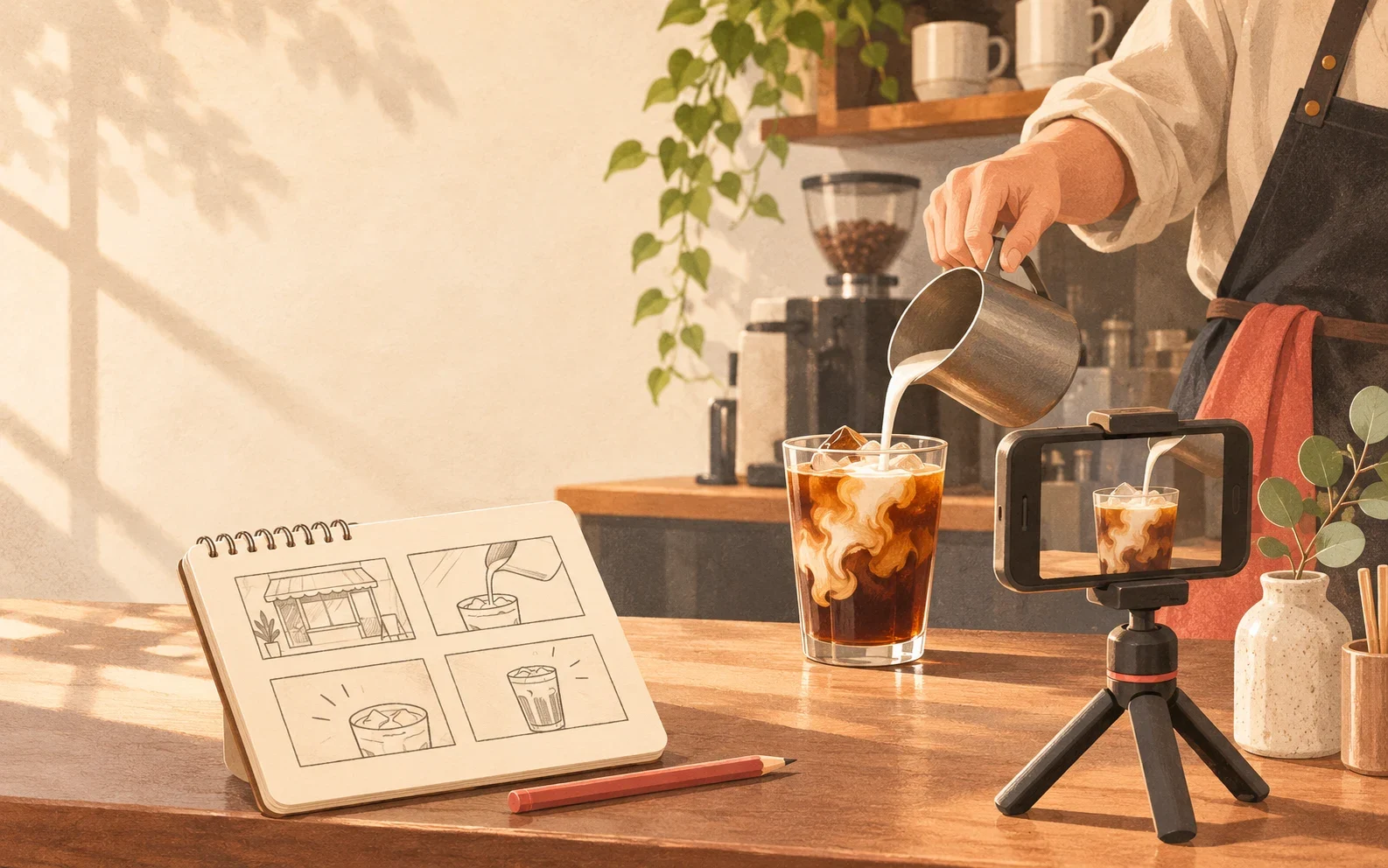
Cover: an original AI-generated editorial illustration of café video planning, not a product screenshot or customer result.